
Create reusable visuals, organize support by learner, and share approved resources across your team.
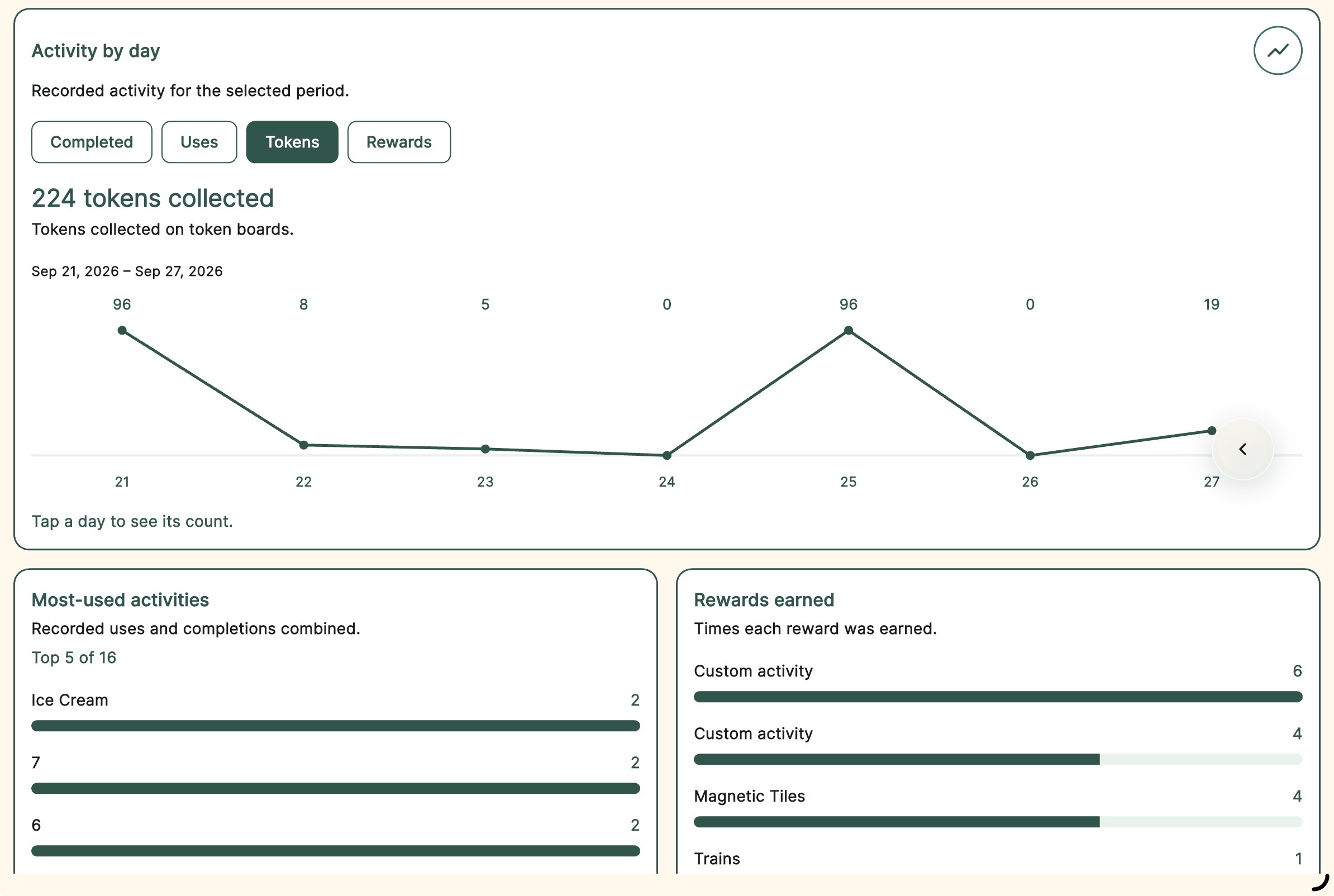
Get team plan informationReview completed activities, earned tokens, and rewards by learner and date. Keep everyday progress easy to revisit.
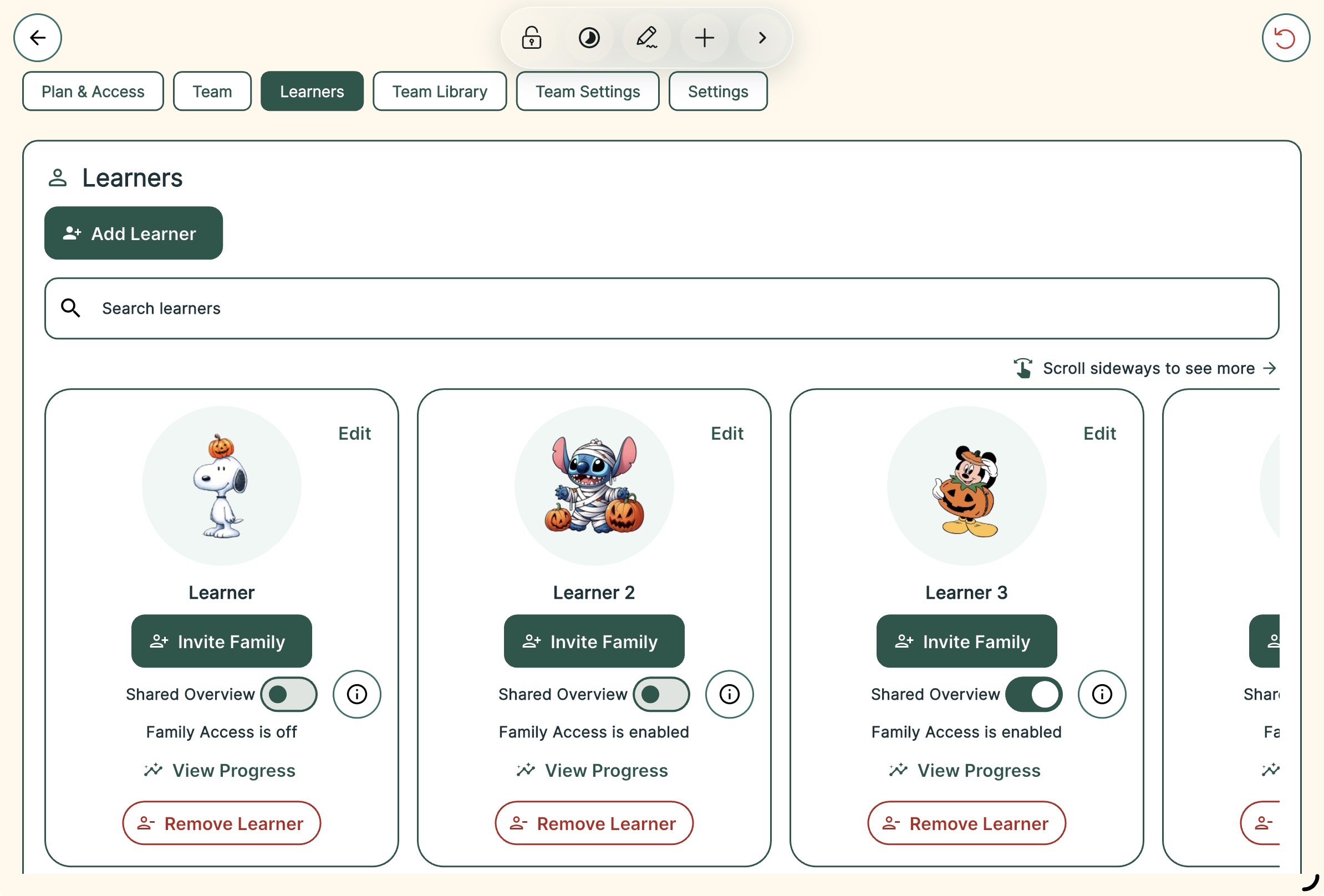
Enable Shared Overview when you want connected families to see completed activities and progress summaries.
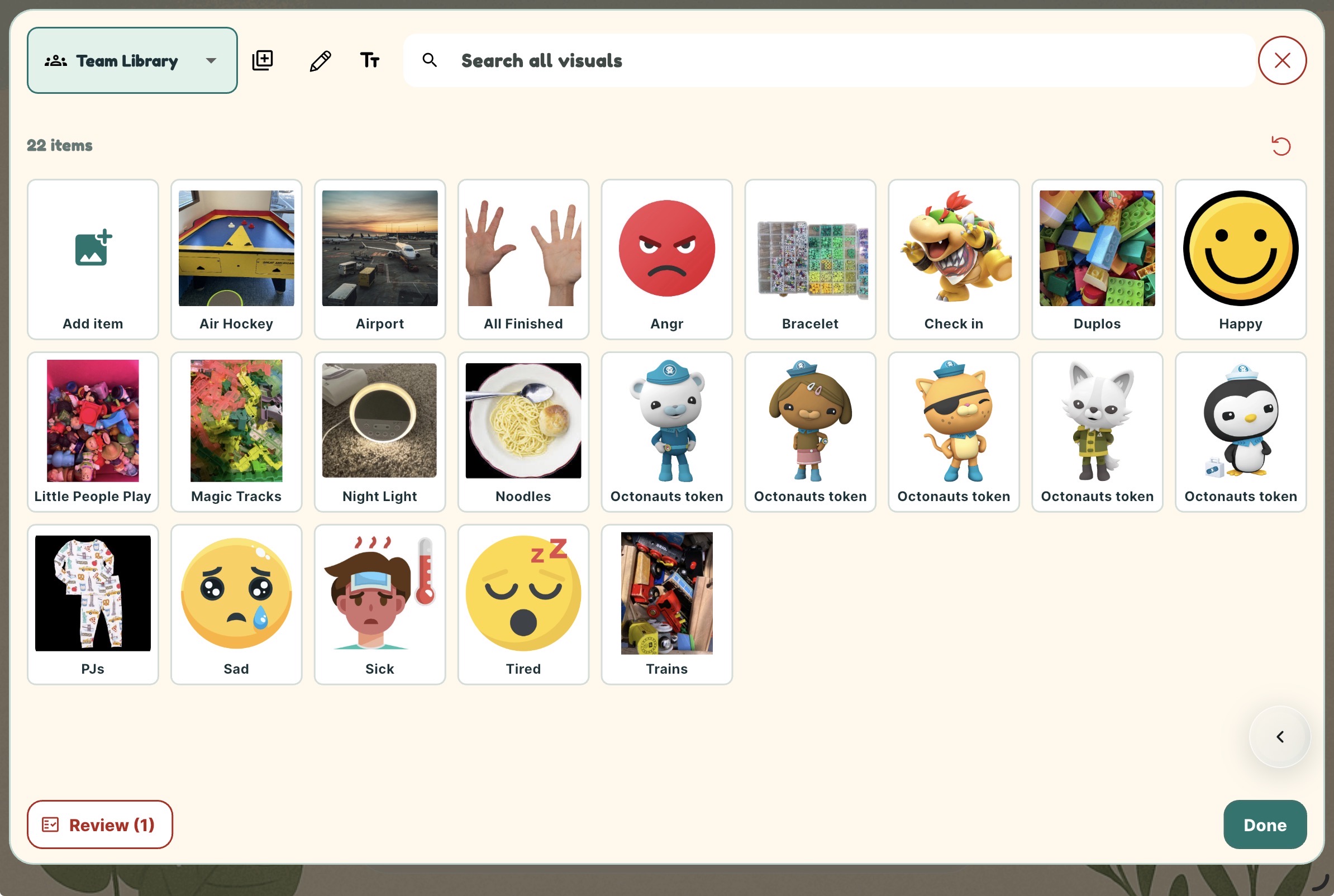
Keep reusable visuals in one Team Library. Review staff submissions, approve resources, and assign them to your team or individual learners.
Manage staff roles, invitations, devices, and plan allowances in one place.
Connect family accounts with approved learner visuals, so familiar routines can carry from school or therapy into everyday life at home.
Shared Overview is optional. Enable it when you want to share completed activities and progress summaries.
Team features and allowances depend on your organization’s plan.


