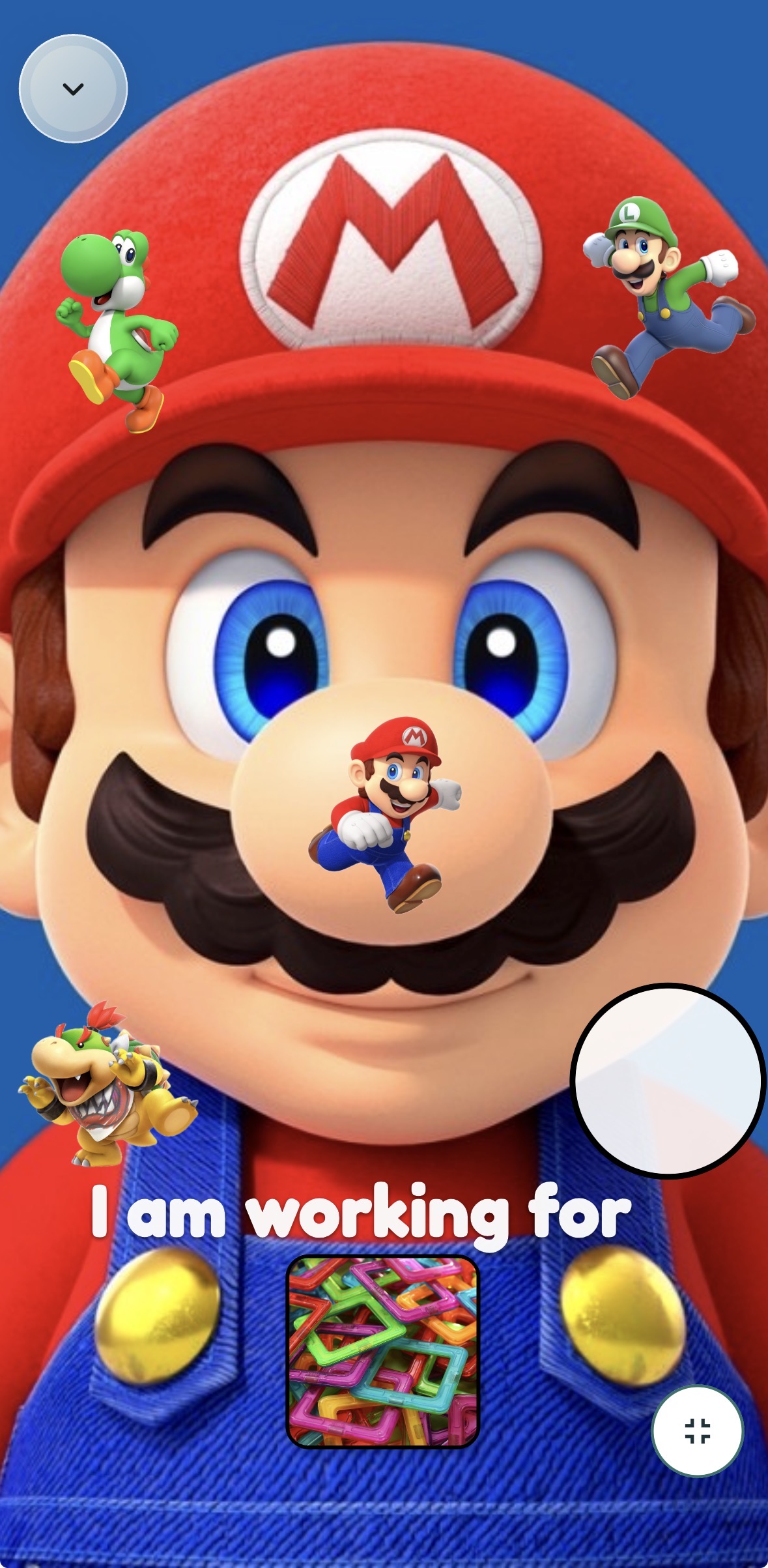
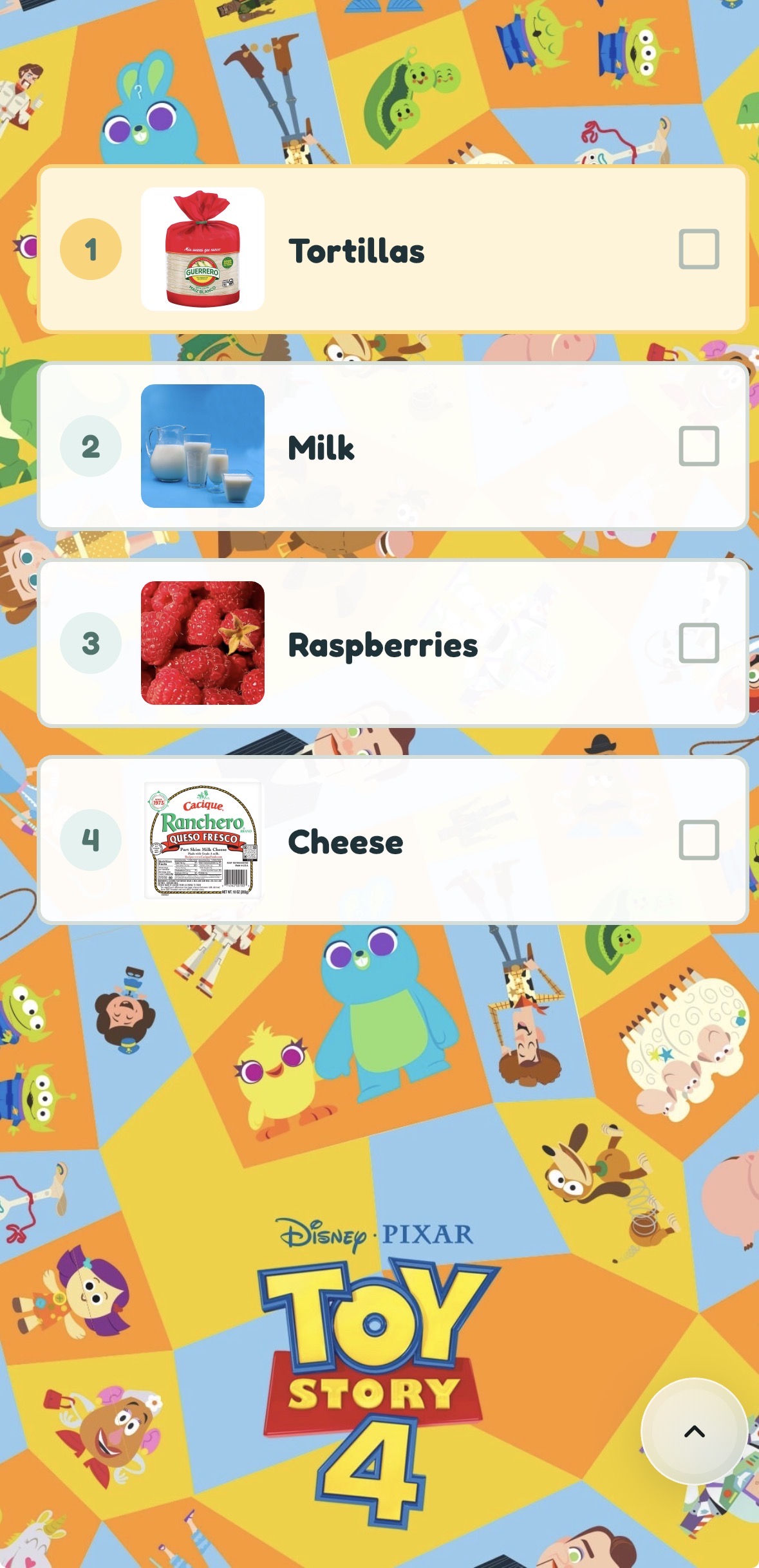
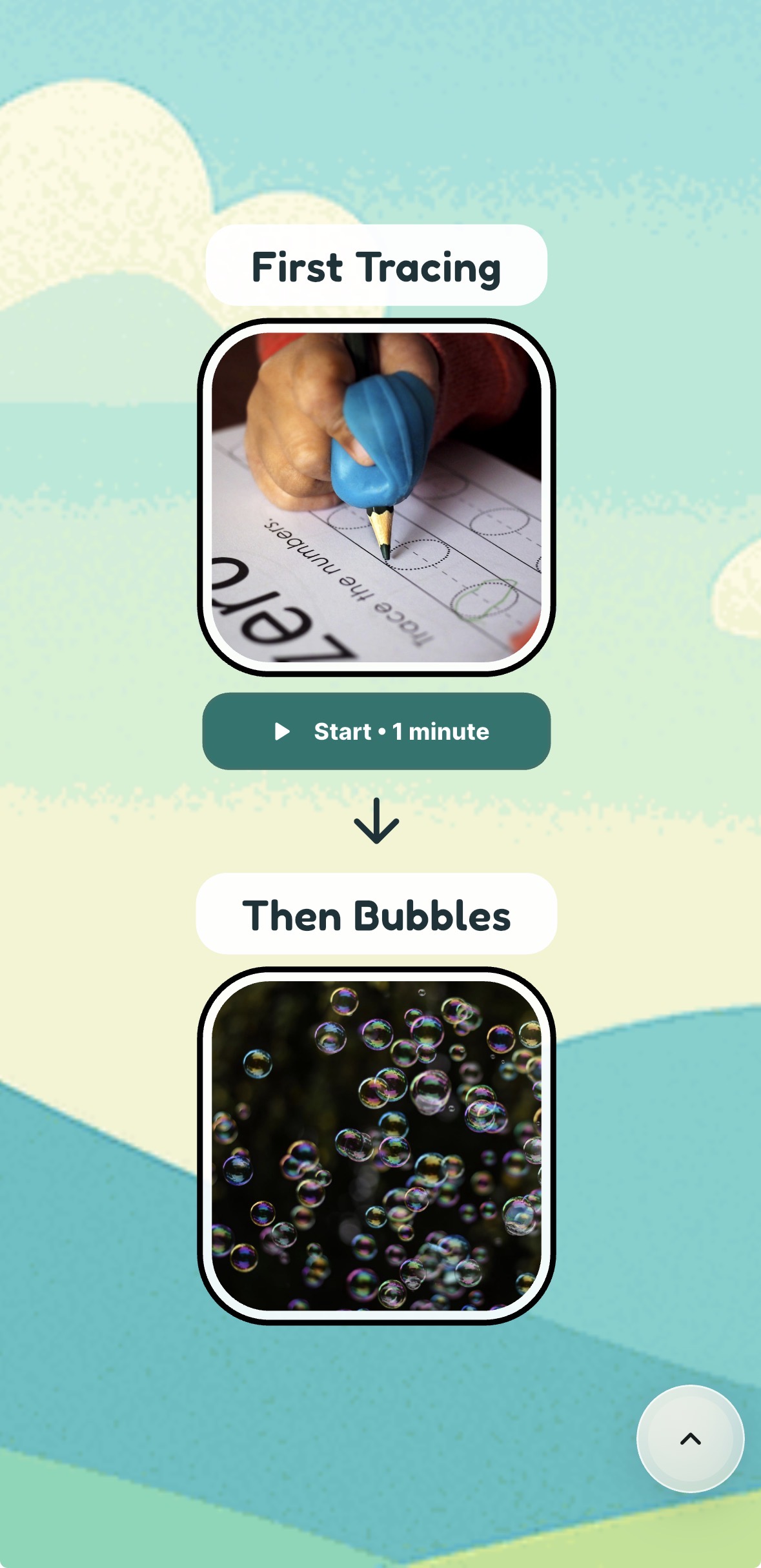
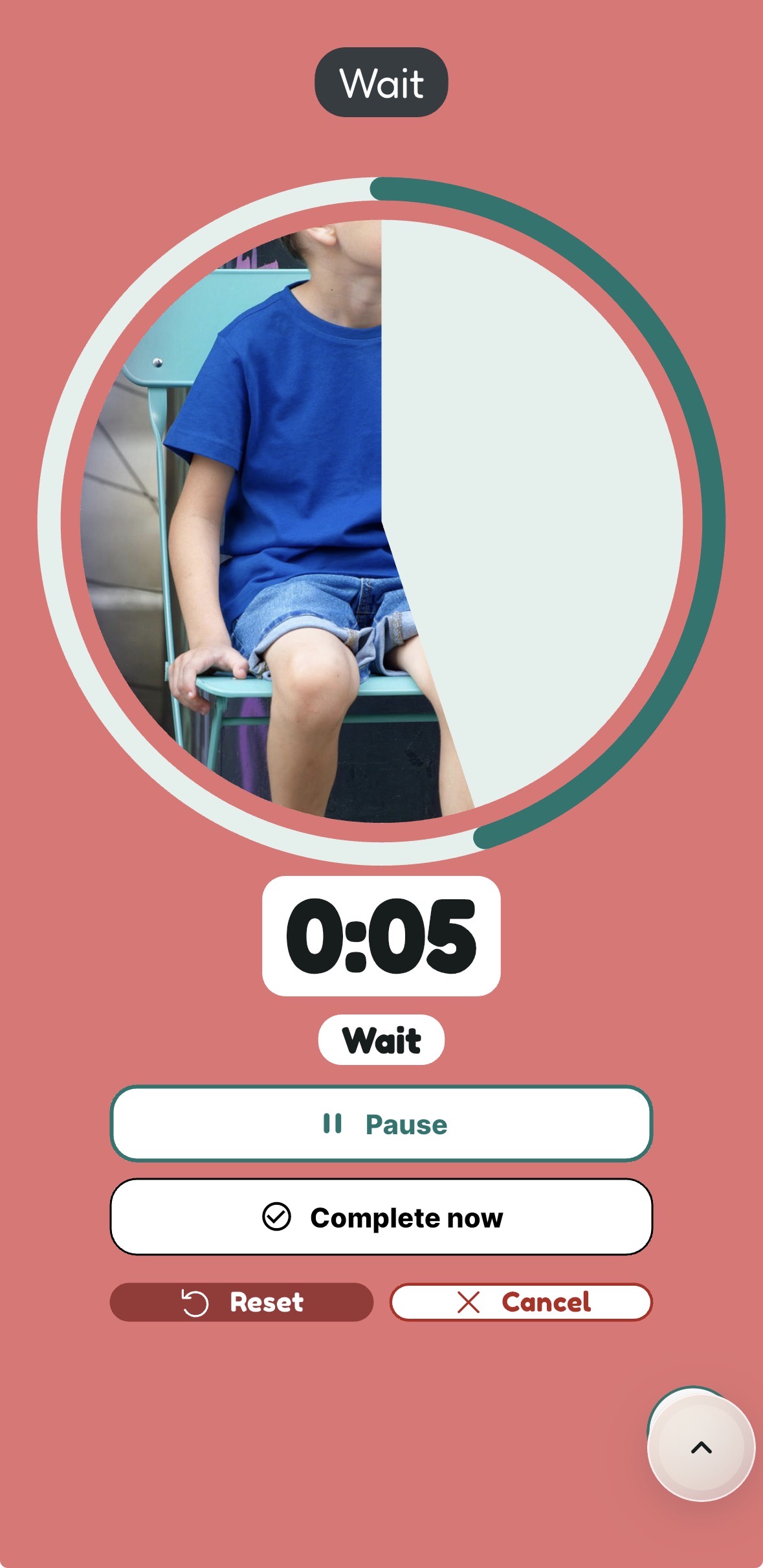
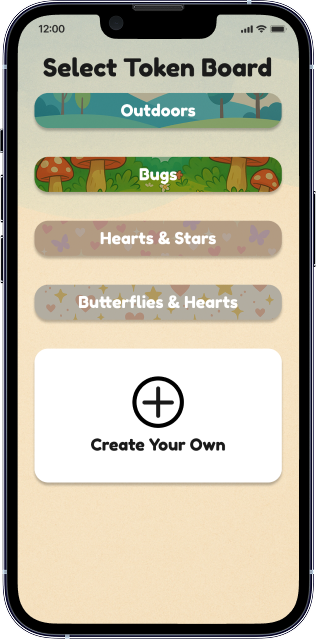
Skillberry Visuals is an app for making and using customizable visual supports, including token boards, schedules, First Then boards, choice boards, task visuals, and timers.
Who is Skillberry for?
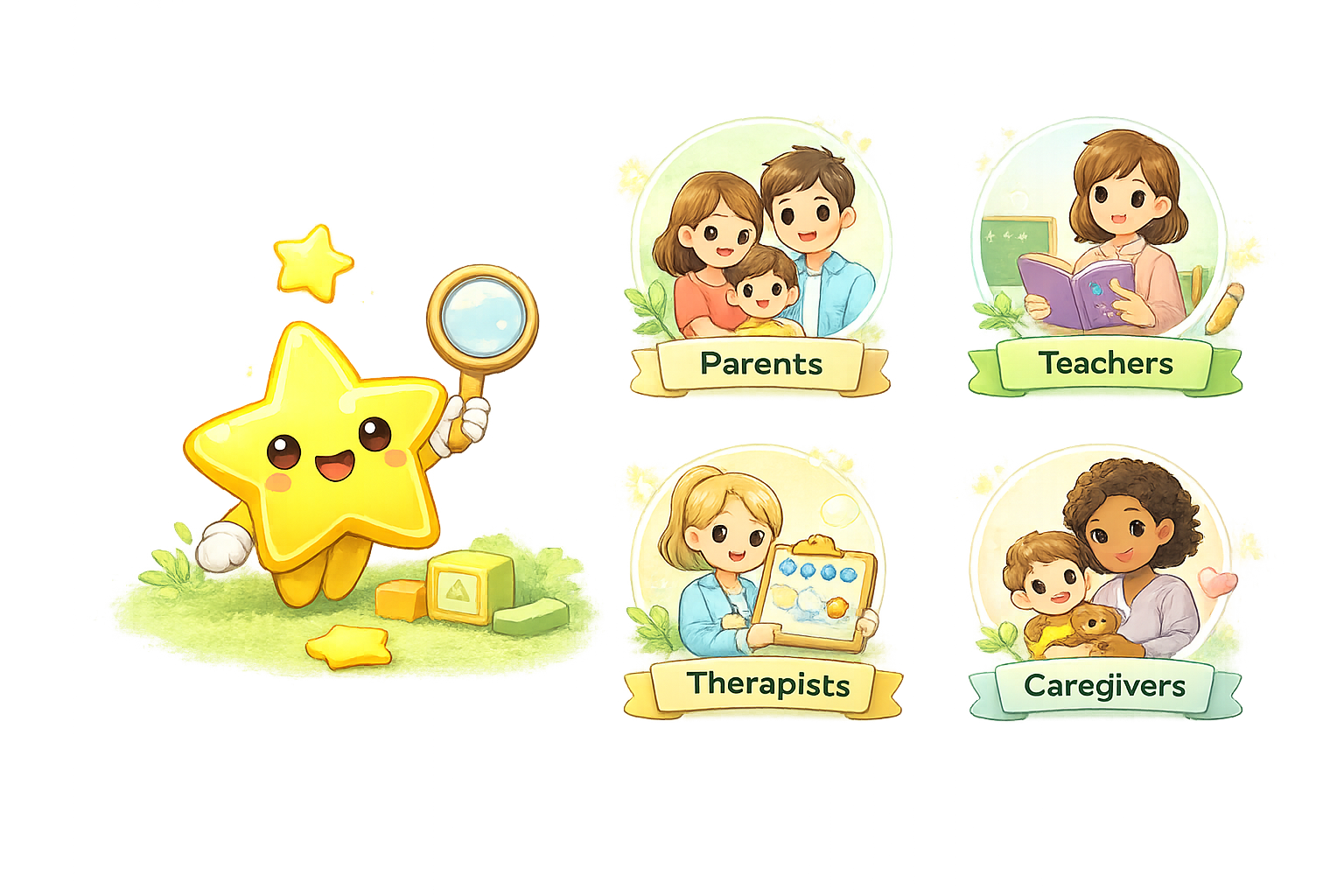
Parents, caregivers, teachers, RBTs, BCBAs, and other professionals can use Skillberry to prepare visual supports for everyday routines. Clinics, schools, and teams can inquire about organization access.
Can I add my own pictures or audio?
Skillberry supports personal images and labels and includes text-to-speech and custom recording features. Availability and customization options depend on your plan and installed app version.
Where can I use Skillberry?
Skillberry Visuals is available for iPhone and iPad through the App Store. The current US listing requires iOS 16 or iPadOS 16 or later. Check your App Store for current compatibility. Open the web app.
Is Skillberry free?
Skillberry has a free offering and optional in-app purchases. Clubhouse provides expanded access. Review the displayed plan details and current App Store prices before purchasing.
Does Skillberry replace professional advice?
No. Skillberry provides visual tools. It does not diagnose, prescribe treatment, create a clinical plan, or guarantee clinical, behavioral, or educational outcomes.